
Building an affiliate website is one of the most important steps in starting an affiliate marketing business. Your website is the platform where you publish content, recommend products, and attract visitors who are looking for information before making a purchase. The good news is that creating an affiliate website today is much easier than it used to be. With modern website platforms and hosting services, you can launch a professional site in just a few steps.
Below is a simple step-by-step guide to building your own affiliate website.
1. Choose a domain name
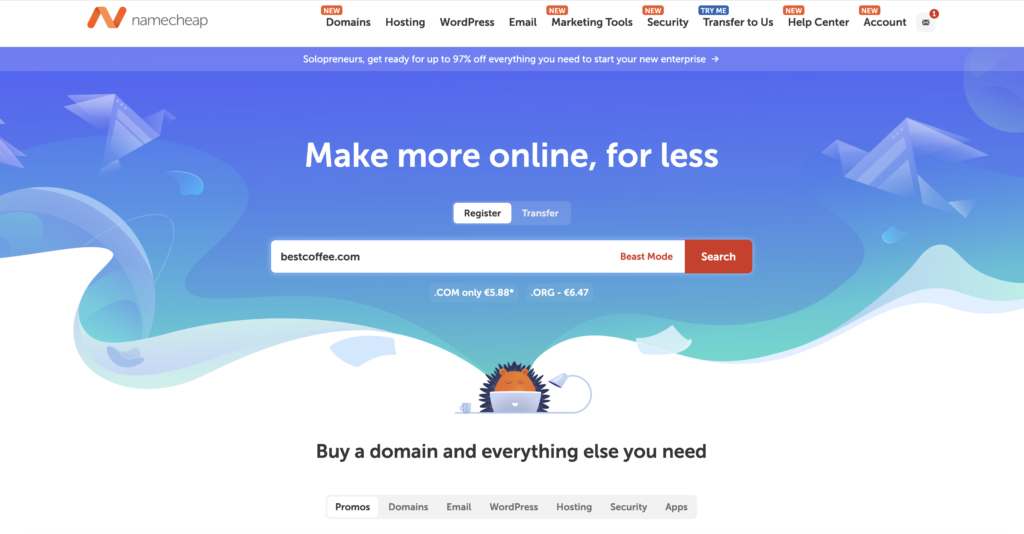
The first step is choosing a domain name, which is the address people use to access your website (for example: yourwebsite.com).
A good domain name should be:
- short and easy to remember
- easy to spell
- related to your niche or topic
For example, if your website is about coffee machines, you might choose a domain name related to coffee, brewing, or home barista equipment.
You can register a domain name through domain registrars such as Namecheap, GoDaddy, or through your hosting provider.
2. Buy web hosting
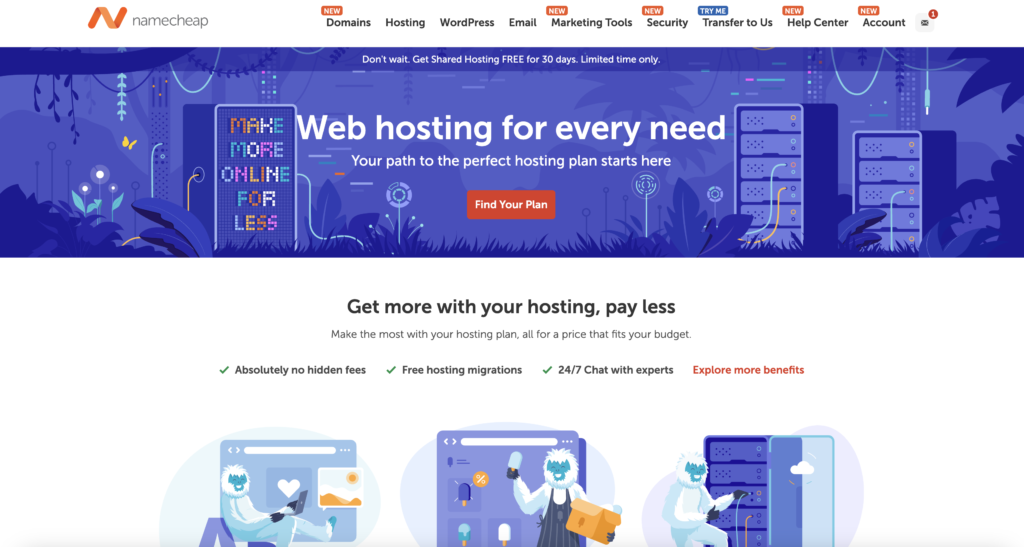
After choosing a domain name, you need web hosting. Hosting is the service that stores your website files and makes them available on the internet.
When someone visits your website, the hosting server loads your website and delivers the pages to the visitor’s browser.
When choosing a hosting provider, look for:
- fast loading speed
- reliable uptime
- good customer support
- easy WordPress installation
Many hosting providers offer WordPress hosting, which makes it very easy to install and manage your website.
3. Install WordPress
Once you have hosting, the next step is installing WordPress.
WordPress is the most popular website platform in the world and powers more than 40% of all websites on the internet. It is widely used by bloggers, businesses, and affiliate marketers because it is flexible and easy to customize. Most hosting providers offer one-click WordPress installation, which means you can install WordPress in just a few minutes. From your hosting environment it will look something like this:
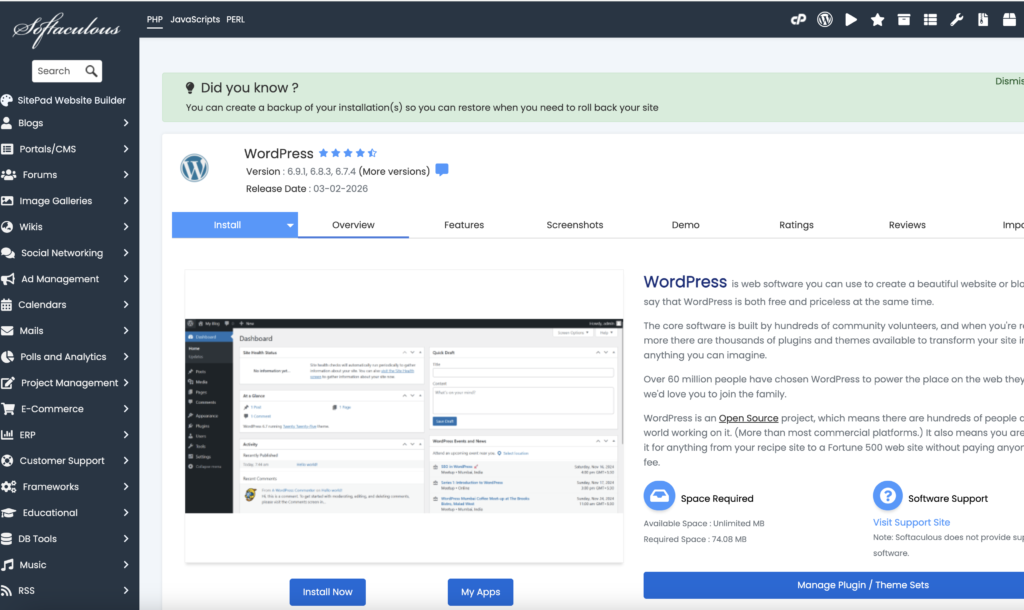
After installation, you can log in to the WordPress dashboard where you can manage your website, publish articles, and install themes and plugins.
4. Choose a WordPress theme
A WordPress theme controls the design and layout of your website. It determines how your pages look, how content is displayed, and how visitors navigate your site. There are thousands of free and premium WordPress themes available.
When choosing a theme for an affiliate website, look for one that is:
- fast and lightweight
- mobile-friendly
- SEO-friendly
- easy to customize
A clean and simple design usually works best because it helps visitors focus on the content and product recommendations.
5. Install Important WordPress Plugins
Plugins extend the functionality of your website and allow you to add new features without coding.
Some useful plugin categories for affiliate websites include:
SEO plugins
These help optimize your content for search engines.
Examples:
- Yoast SEO
- Rank Math
Affiliate link management plugins:
These help organize and track your affiliate links.
Examples:
- Pretty Links
- ThirstyAffiliates
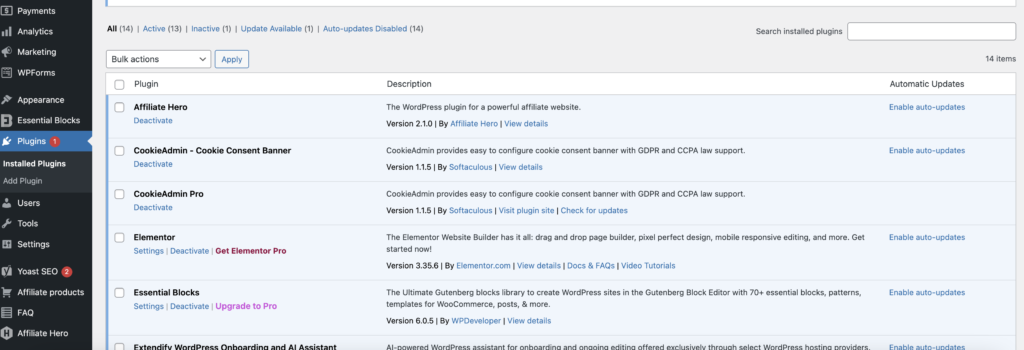
- Affiliate Hero
Product display plugins:
These plugins help you create product boxes, comparison tables, and product listings.
Tools like Affiliate Hero allow you to import products from affiliate networks and display them in comparison tables, product grids, or product boxes on your website. This can make your product recommendations much more professional and easier for visitors to understand.
6. Create essential pages
Before publishing content, it is a good idea to create a few essential pages for your website.
Common pages include:
- About page
- Contact page
- Privacy policy
- Affiliate disclosure
An affiliate disclosure is especially important because many countries require websites to inform visitors that affiliate links may generate commissions.
7. Start publishing content
Once your website is set up, the most important step is creating high-quality content.
Most affiliate websites publish articles such as:
- product reviews
- product comparisons
- buying guides
- tutorials
For example, you might publish articles like:
- “Best coffee machines”
- “Top Noise cancelling Headphones”
- “How to choose the right espresso machine”
These articles help visitors research products and make better buying decisions. Within the content, you can include affiliate links to the products you recommend.